ues Managing a complex Home Assistant setup can feel like a full-time job. Between debugging YAML, updating containers, and ensuring automations follow the latest best practices, things can get overwhelming.
Recently, I decided to build something better: A dedicated AI Architect for my Home Assistant.
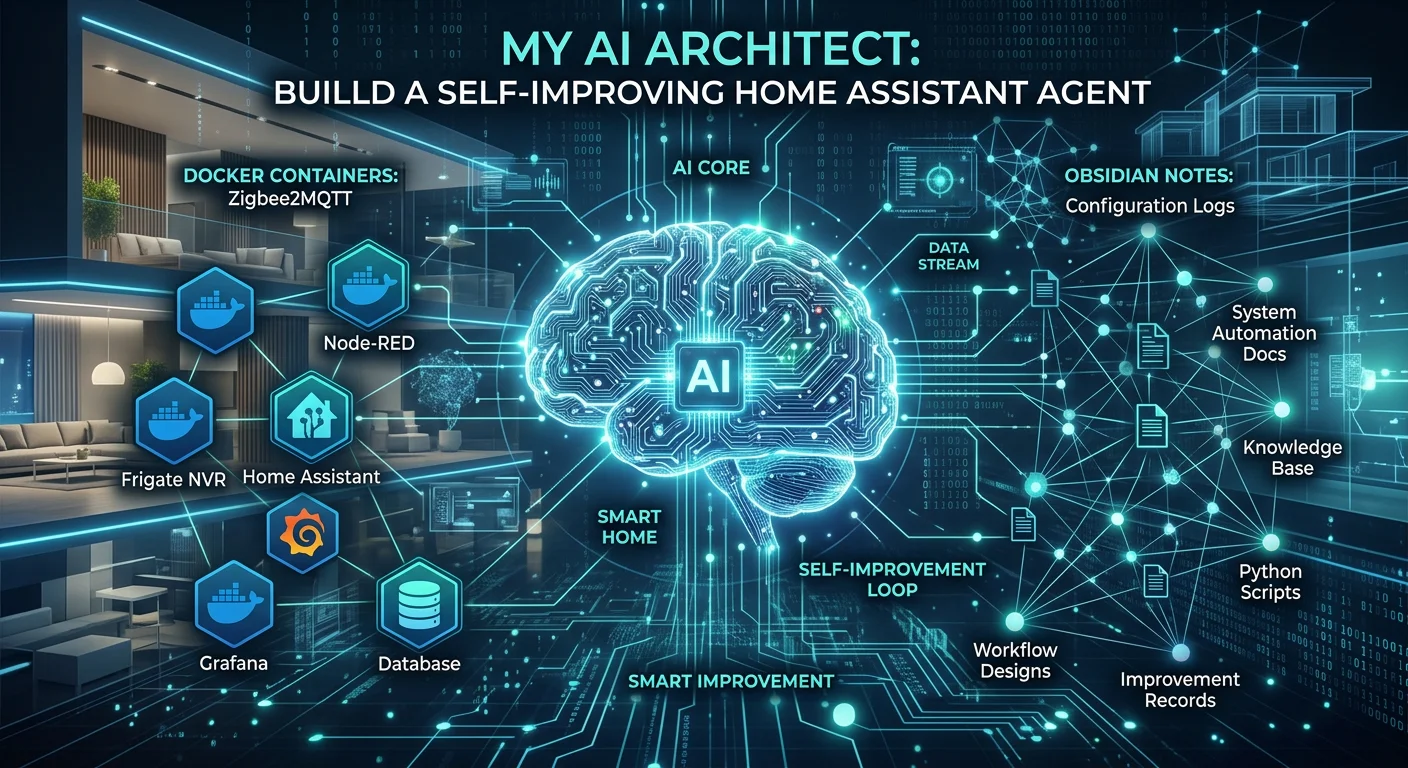
By leveraging the Model Context Protocol (MCP) and OpenCode, I’ve created an agent that doesn't just "chat" about my smart home—it actually helps me maintain, improve, and document it. Here’s how I built it.
The Core Tech Stack
To make this work, I needed three things: Knowledge, Access, and Memory.
- OpenCode (The Brain): My primary interface for interacting with the AI.
- Docker MCP (The Hands): Allows the agent to interact with my local Docker environment where Home Assistant lives.
- Obsidian MCP (The Memory): Gives the agent the ability to read and write notes directly in my vault.
- HA Best Practices Skill (The Wisdom): A specialized set of instructions that ensures the agent follows industry standards for Home Assistant development.
1. Bridging Knowledge and Action
The first step was integrating the Home Assistant Best Practices Skill. This isn't just a generic AI; it’s an agent that knows the difference between a device_id and an entity_id and understands why you should use Blueprints for common tasks.
I installed it using the following command:
npx skills add homeassistant-ai/skills@home-assistant-best-practices -g -y
Now, when I ask the agent to "fix my motion light automation," it doesn't just guess—it references 41 specialized sub-agents designed for HA.
2. Infrastructure Awareness with Docker MCP
A Home Assistant instance is only as stable as the infrastructure it runs on. Since my setup is containerized, I added a Docker MCP server. This allows the agent to:
- Check container status.
- Restart services if something hangs.
- Validate Docker Compose files before deployment.
To ensure stability, I even wrote a custom Docker Launcher Tool in TypeScript. This tool checks if Docker Desktop is running on my Windows host and launches it automatically if needed.
3. Self-Documentation with Obsidian
The most powerful part of this setup is the Obsidian integration. Traditionally, if an AI helps you fix something, that knowledge is lost the moment you close the chat.
With the Obsidian MCP tools, my HA Agent documents its own work.
- Logs: It can append notes to a
daily-logfile explaining what changes it made. - Documentation: It creates new
.mdfiles in my1-Projects/developerfolder for every new complex automation it builds. - Context: It reads my existing notes to understand my specific Zigbee network layout or device naming conventions.
Setting it Up
The configuration is surprisingly simple. I created an opencode.json file in my repository root to bridge these worlds:
{
  "$schema": "https://opencode.ai/config.json",
  "mcp": {
    "docker": {
      "type": "local",
      "command": ["docker", "mcp", "gateway", "run"],
      "enabled": true
    }
  }
}
By adding a simple instruction to my AGENTS.md, I told the agent: "When creating documentation or taking notes, use the obsidian MCP to persist notes to the Obsidian vault."
The Result: A Proactive Assistant
Now, my workflow looks like this:
- Request: "Hey, I want to add a presence sensor to the office that only triggers during work hours."
- Action: The agent checks my
entity_idlist in Obsidian, drafts the YAML following HA best practices, and verifies the Sonoff sensor is active via Docker. - Result: It writes the new automation and creates a note in my vault explaining how it works and what dependencies it has.
Conclusion
We are moving past the era of "General Purpose" AI. By combining specialized protocols like MCP with local tools like Docker and Obsidian, we can build agents that are deeply integrated into our specific hobbies and workflows.
My Home Assistant setup has never been cleaner, and more importantly, it's finally documented.
What would you build if your AI had "hands" to touch your system and a "memory" to store its thoughts?