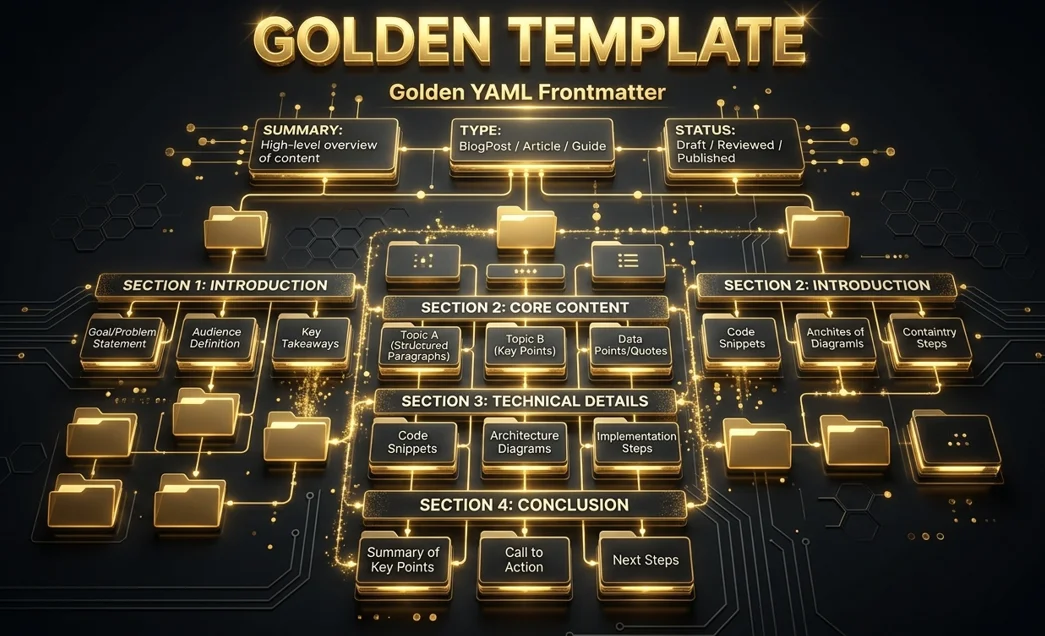
The 'Golden' Obsidian Template for AI Agents
If you use AI tools like Gemini CLI, Copilot, or local RAG systems (Ollama/AnythingLLM) to interact with your Obsidian vault, you've likely noticed they sometimes miss the point. To solve this, I’ve developed a Standard AI Note Template designed for maximum "machine-readability."
This is the companion to my post on [[1-Projects/Blog/Drafts/how-i-made-my-obsidian-vault-ai-friendly|How I Made My Obsidian Vault AI-Friendly]].
🧬 Why this Template?
LLMs don't read notes like humans do. They look for:
- Semantic Anchors: Explicit summaries that explain why the note exists.
- Structural Hierarchy: Predictable header patterns to assist with text chunking.
- Status Metadata: Context on whether the data is current or historical.
📋 The Template (Copy-Paste)
Copy this into your Templates/ folder:
---
title: "{{title}}"
summary: "A 1-2 sentence overview for AI context (RAG optimization)."
type: reference
status: active
tags:
  - topic
priority: 5
last_verified: {{date:YYYY-MM-DD}}
related: []
---

# {{title}}

## 🎯 Objective
[What is the goal of this note? Why was it created?]

## 📝 Content
[Main body of the note goes here. Use structured headers (H2, H3).]

## 🖇️ Context & Connections
- **Source/Origin:** [Original source or research link]
- **Next Steps:** [Actionable tasks related to this info]
- **Related Notes:** [[Other Note]]
---
*Created on: {{date:YYYY-MM-DD}}*
🏗️ Breakdown of Key Fields
For a full list of allowed values and their descriptions, see the [[_System/Metadata Standards|Metadata Standards]].
1. The [object Object] Field
This is the most important field for RAG (Retrieval-Augmented Generation). When an AI searches your vault, it often reads the frontmatter first. A concise summary allows the model to rank the note's relevance in milliseconds without parsing 2,000 words of body text.
2. Header Hierarchy
By enforcing ## 🎯 Objective and ## 📝 Content, we create a predictable "map" for the AI. When the agent is "chunking" your data for long-term memory, these consistent markers ensure the context stays attached to the data.
3. [object Object]
In a fast-moving technical vault, data rots. This field tells your AI agent whether it should trust the information or if it should flag it to you as potentially outdated.
🏛️ Metadata Taxonomy Guide
To ensure your AI agent understands your notes perfectly, use these standardized values:
1. The type Property
| Value | Meaning for the AI |
|---|---|
project | Active initiative with goals. |
reference | Static facts/specs. |
how-to | Step-by-step procedures. |
script | Documentation for code/automation. |
concept | High-level ideas/mental models. |
2. The status Property
| Value | AI Behavior |
|---|---|
active | High trust, current truth. |
review | Warning: Data might be outdated. |
legacy | Historical: Do not use for current tasks. |
backlog | Informational: Not yet implemented. |
3. The priority Property (1-10)
- 9-10 (Essential): Mission-critical context.
- 7-8 (High): Important current projects.
- 4-6 (Medium): Standard reference material.
- 1-3 (Low): Background info/trivia.
🚀 How to Use It
- Save the template.
- Update your AI Rules (e.g., in
GEMINI.mdorCLAUDE.md) to require this format. - Watch your AI interactions become 10x more accurate.
Check out the full architectural guide here: [[1-Projects/Blog/Drafts/how-i-made-my-obsidian-vault-ai-friendly|How I Made My Obsidian Vault AI-Friendly]]